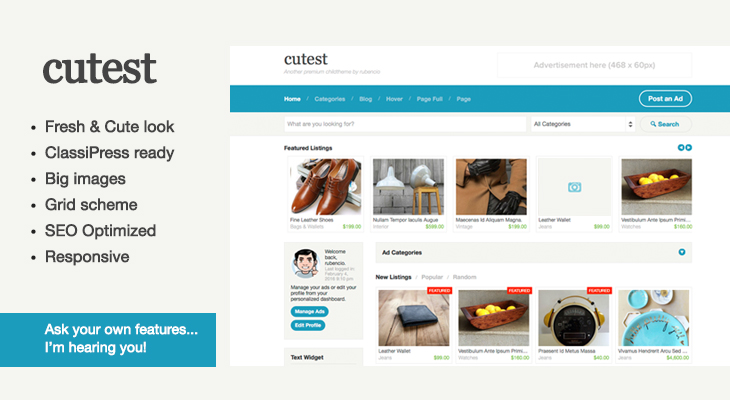
The naming structure is important and will create delays if not done correctly. Here’s an example of what your entire folder of assets should look like (in all lowercase) before zipping it up and sending to us.
|- my-business-child-theme-name (FOLDER NAME)
|— item-desc.txt
|— child-theme-name-1.2.3.zip
|— child-theme-name-thumbnail.png
|— child-theme-name-screenshot-1.jpg
|— child-theme-name-screenshot-2.jpg
|— child-theme-name-screenshot-3.jpg
|— child-theme-name-screenshot-4.jpg
Next, take this entire folder and compress it into a single .zip file. Your .zip file should be named (in all lowercase) one of the following two ways:
- business-name-product-name-version.zip (i.e. appthemes-classipress-1.2.3.zip)
- firstinitiallastname-product-name-version.zip (i.e. jdoe-classipress-1.2.3.zip)